
Asia/Karachi
BlogOctober 29, 2026

SEO-Friendly Web Development: 12 Questions to Ask

What to ask a developer before you sign, and what a good answer sounds like
Fawaz Israr
SEO-Friendly Web Development: 12 Questions to Ask
SEO friendly web development means the site is built so search engines can read every page, understand what it is about, and load it quickly, without extra work after launch. You can check much of that before you sign by asking a developer twelve plain questions. If the answers are specific, you are probably talking to someone who has done it before. Nobody can promise a ranking, and a developer who does should worry you. What a developer can control is the technical foundation: how pages are rendered, how they are named, how fast they load, and whether you can see how they perform. These questions cover that foundation. It covers decisions made during the build that make it easier for a search engine to find and understand your pages, and harder for the site to lose that ground later. Content and links still matter a great deal, and they come after the build. Perfect copy on a broken foundation is held back, and a sound foundation with thin content gives search engines little to rank. The questions below are grouped by theme. For each one I describe what a good answer sounds like and why it matters. If you want the on-page side as well, my on-page SEO checklist goes through it page by page. A good answer: "Yes, pages are server rendered or generated ahead of time, so the headings and text are in the HTML response. I will show you how to check." Some sites send an almost empty page and build the content in the browser with JavaScript. Google can run JavaScript, but it renders pages in a separate step that can take longer than a plain crawl, and Google's own documentation notes that not all bots can run JavaScript. Link-preview tools may not run it either. Content that is already in the HTML is the safer path. Frameworks such as Next.js render pages on the server by default, and I compare that approach with WordPress in Next.js vs WordPress for a business website. You can check it yourself with curl, which fetches the raw HTML without running any scripts. Replace the address with one of your own pages.
Bash
# Is the main heading in the raw HTML?
curl -sL https://example.com/services | grep -o -i "<h1[^>]*>[^<]*"

# Which title and canonical tag does the server send?
curl -sL https://example.com/services | grep -o -i -E "<title>[^<]*|<link[^>]*canonical[^>]*>"
If the heading, title and canonical tag appear in the output, the content is in the first HTML. If you get nothing back, or the page source is only an empty container and script tags, ask why. A good answer: "Every page gets its own title and description, written for that page, plus a canonical URL that points to its preferred address." A duplicate title across fifty pages makes them hard to tell apart in search results. A canonical URL tells search engines which address is the main one when the same page can be reached several ways, such as with and without www or with tracking parameters. Ask who writes the text and where it is stored. For a Next.js site, the technical SEO guide for Next.js shows how this is done in code. A good answer: "Short, lowercase, readable paths that match the site structure, such as /services/web-design, decided before we publish." URLs are hard to change after launch because each change needs a redirect and risks lost visibility. Prefer readable paths over addresses like /page?id=48 for pages you want found. Ask whether the structure will survive when you add more services, products or locations next year. A good answer: "Yes, the sitemap lists every page that should be indexed and updates itself when pages are added. Robots.txt points to it." A sitemap helps search engines discover pages, and it is one of the first things to submit in Search Console. Robots.txt tells crawlers which paths to skip. A careful developer will also say that robots.txt controls crawling and is not a way to keep a page out of Google, and that private pages need a password. A good answer: "Where it fits your content, yes. I will add schema.org markup that matches what is visible on the page, and test it before launch." Structured data is extra markup that states facts for machines: this is a business, this is a product, this is an article. Google describes how it uses it in its introduction to structured data. It can make a result eligible for richer display, but nothing is guaranteed. Be wary of anyone who says it will push you up the rankings. This is a small example for a business, with placeholder values.
Html
<script type="application/ld+json">
{
  "@context": "https://schema.org",
  "@type": "Organization",
  "name": "Example Studio",
  "url": "https://example.com",
  "logo": "https://example.com/logo.png",
  "sameAs": [
    "https://www.linkedin.com/company/example-studio"
  ]
}
</script>
The markup must describe things that are really on the page. Marking up reviews or prices that visitors cannot see is against Google's structured data guidelines and can lead to a manual action. A good answer: "I will list every old URL, map each to the closest new page with a permanent redirect, and test them after launch." Redesigns are a common point where sites lose visibility. Old pages that return an error, or that all redirect to the home page, leave visitors and search engines with nothing relevant at addresses that used to work. A good developer asks for a crawl or export of your current URLs at the start of the project. Each redirect should go straight to its final address, with no chains of hops. You can spot-check one yourself. The L flag follows every hop, so a chain shows up as several status lines:
Bash
curl -sIL https://example.com/old-page | grep -i -E "^HTTP|^location"
Google lists 301 and 308 as the permanent redirect codes. You want one of them and a location that points to the new page, followed by a 200. A good answer: "Staging sits behind a password. I also set noindex there, and I make sure that setting is removed on the live site." A test copy of your website that gets indexed can compete with the real one. Password protection is the most reliable fix, because crawlers cannot get past it. A noindex rule is a second layer. Blocking the staging site in robots.txt alone is weaker, since a blocked address can still be listed if other pages link to it. Ask about the opposite risk too: a noindex tag copied from staging to production can quietly remove the live site from search. A good answer: "Images are sized and compressed, fonts are limited, and third-party scripts are added only when they earn their cost. I will measure before and after launch." Core Web Vitals measure loading, responsiveness and visual stability. web.dev explains them in detail, and I cover them in Core Web Vitals explained. Common causes of trouble are large unsized images, too many font files, and heavy scripts such as chat widgets and trackers. Ask whether the developer sets image dimensions, loads only the font weights the design uses, and tests on a mid-range phone as well as a fast laptop.
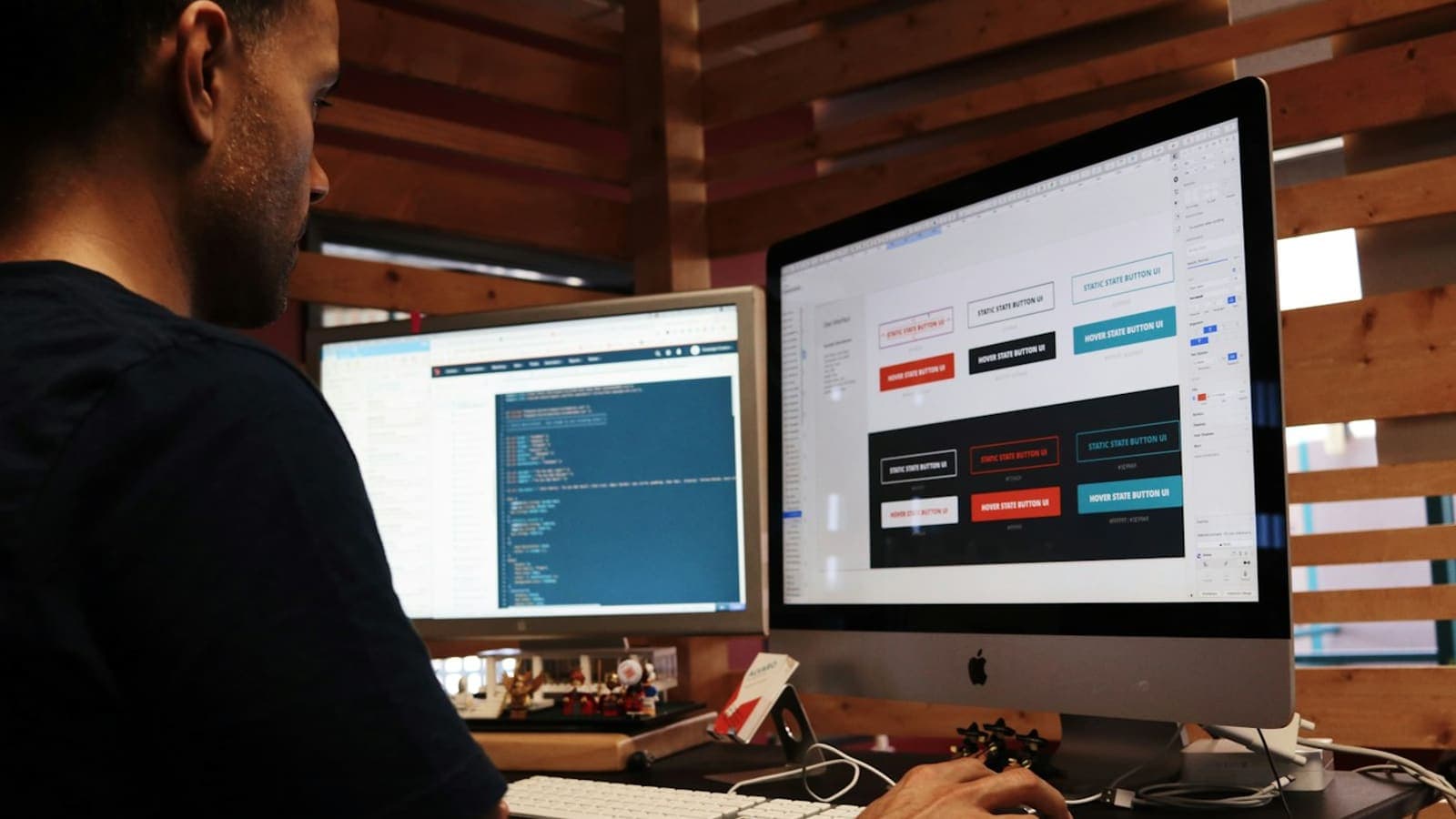
A developer at a desk with code on one monitor and button designs on another
A good answer: "It is designed for small screens first, text is readable without zooming, buttons are easy to tap, and I test with a keyboard and check contrast and labels." Google indexes the mobile version of a page, so text or headings that are missing on mobile can be missing from search too. Many of your visitors will also arrive on a phone. Accessibility work overlaps with search work: a sensible heading order, descriptive alt text and real link text help screen readers and crawlers alike. Do not expect accessibility to move rankings on its own, but it makes the site usable by more people. A good answer: "Yes. You own the accounts and I am added as a user. I will verify the site and submit the sitemap." Insist on ownership. Accounts, the domain and hosting should be in your name, so you can keep them if you ever change developers. Search Console shows which pages are indexed and which queries bring impressions, and it is the first place to look when something seems wrong. Analytics tells you what visitors do after they arrive. A good answer: "Yes. You can change text, images, page titles and descriptions without me, and here is how." If every small edit needs a developer, content goes stale and the site stops growing. Ask what the editing tool is, whether titles, descriptions and image alt text are editable there, and what you can break by accident. A good answer: "New pages get the same metadata and sitemap handling, scripts are reviewed for speed, and URL changes come with redirects. Before each release I run a checklist." Visibility often slips after launch rather than on it, through a new page with no title, a heavy script added for a campaign, or a renamed section. Ask whether the developer has a repeatable pre-release check. My website launch checklist for SEO, security and speed is one you can reuse for every release. Look for specifics. A good developer names the tools, shows you a command or a report, and says what they cannot promise. Vague answers such as "we follow best practices" tell you little. I do SEO work as well as development. The SEO for TheSnappyWords, a free site of word tools and daily games I built, is ongoing, so I make no claims about results, and you can read how I built it in the case study. More about my background is on the about page. I am Fawaz Israr, a full stack developer in Rahim Yar Khan, Pakistan, a final-year Computer Science student, and I work in web development at Hadi Dev Lab. If you would like to put these twelve questions to me about your site, you can message me on WhatsApp or email. You can also browse my work first. Cover photo from Unsplash.
Share this post: