
Asia/Karachi
BlogOctober 26, 2026

Web Developer Project Brief Template (Copy and Fill)

One page that lets a developer quote your website accurately
Fawaz Israr
Web Developer Project Brief Template (Copy and Fill)
A web developer project brief is a one or two page document that says what the site is for, who will use it, what it must do and what you can spend and by when. Copy the template below, fill in the square brackets, and send it to anyone you want a quote from. A developer can price a clear brief with far fewer guesses, while a vague message tends to produce either a rough estimate or a long round of questions. If you have never written one, plain sentences are fine. What matters is that the answers exist on paper before work begins, because that is the cheapest moment to change your mind. Many disagreements on web projects start with two people picturing different things. Say you ask for "a simple website" and picture five pages. The developer hears "simple" and prices a template. Weeks later you ask for online booking and the quote no longer fits. A written brief forces those pictures into the open. It gives every developer you contact the same starting point, so the quotes you get back can be compared. It also gives you something to point at when a request comes up halfway through: was this in the brief, or is it new? A brief does not need to be perfect. A developer will ask follow-up questions either way, and a good brief makes them smaller. If you are still deciding what kind of person or team to hire, freelance developer vs agency vs in-house covers that decision. The template below uses these fourteen sections in this order. Each one is explained here so you know what to write.
  1. About the business. Your business name, what you do and your current website, if there is one.
  2. Goal of the website. One or two sentences on why the site exists: sell products, get phone calls, take bookings, replace a printed catalogue.
  3. Visitors. Who they are, where they are, what device they probably use and what they want when they arrive.
  4. What visitors must be able to do. Order, book, call, download, sign up, search. These are the jobs the site has to get right.
  5. Pages and features. A list of the pages you expect, plus anything interactive such as a cart, a login or a contact form.
  6. Content. What text, photos and logos already exist, who will write or shoot the rest and who updates the site after launch.
  7. Design and brand. Logo files, colours and fonts if you have them, plus two or three sites you like and why.
  8. Integrations. Payments, email, a map, a booking tool, a CRM, an existing accounting system.
  9. Technical constraints. A domain you already own, hosting you must use, a system you are replacing, devices you must support.
  10. Timeline. Your ideal launch date, any fixed date such as an event or a season, and what happens if it slips.
  11. Budget and quote. A range, a ceiling, or a request for a fixed quote with phases.
  12. Decisions. Who signs off, how quickly, and whether more than one person must agree.
  13. Success. How you will know the site is working.
  14. Anything else. Risks, past experience with developers and things you want to avoid.
Sections 12 and 13 are easy to skip. A project where three people each hold a veto moves slower than one with a single decision maker, and the developer needs to know which situation they are in. Without a success measure, nobody can say afterwards whether the site did its job. Paste this into a document or an email and replace everything in square brackets. Delete any line that does not apply, but try to answer at least sections 2, 3 and 4 (goal, visitors and must-do tasks) before you send it.
Text
PROJECT BRIEF

1. About the business
Business name: [name]
What we do: [one or two sentences]
Current website: [address, or "none"]

2. Goal of the website
Main goal: [for example: take online orders / get enquiry calls / show our portfolio]
Second goal (optional): [...]

3. Visitors
Who they are: [customers, patients, business buyers, students...]
Where they are: [city or country]
Device they mostly use: [phone / laptop / not sure]
What they want when they arrive: [...]

4. What visitors must be able to do
- [task 1, for example: place an order for pickup]
- [task 2]
- [task 3]

5. Pages and features
Pages: [Home, About, Products, Contact, ...]
Features: [contact form, product search, user accounts, cart and checkout, booking, blog, admin area to edit content, ...]
Languages: [one language / more than one: which]

6. Content
Already written: [pages or documents that exist]
Photos and video: [we have them / need a photographer / use stock]
Who writes the rest: [we do / we need help]
Who updates the site after launch: [name or role]

7. Design and brand
Logo and brand files: [we have them / need a logo]
Colours and fonts: [...]
Sites we like: [link 1: what we like about it] [link 2: ...]
Sites we dislike: [link: why]

8. Integrations
Payments: [none / online card payments / cash on delivery / not sure]
Email: [which provider, which address should receive messages]
Other tools: [map, WhatsApp button, newsletter, CRM, analytics, ...]
Existing systems to connect: [...]

9. Technical constraints
Domain name: [we own it with provider X / need to buy one]
Hosting: [must use X / open to advice]
Current platform: [WordPress, Wix, custom, none]
Must work on: [oldest devices or browsers we care about]

10. Timeline
Ideal launch date: [date or month]
Fixed date, if any: [event, season, campaign] and why it is fixed
When we can give feedback: [days of the week, response time]

11. Budget and quote
Budget range: [range or ceiling in your currency, or "not sure, please advise"]
Quote style: [one fixed price / phases / hourly estimate]

12. Decisions
Final decision maker: [name]
Others who must approve: [names or "none"]
Payment and approval steps we expect: [for example: approve design, then build, then launch]

13. Success
How we will know it works: [for example: more enquiries per week, orders taken online, fewer phone questions about opening hours]

14. Anything else
[risks, past experience with developers, things you want to avoid]
Here is a short imaginary example. A small bakery, which does not exist, wants customers to order cakes online instead of by phone. The goal is to take cake and bread orders for pickup. Visitors are people in the neighbourhood, mostly on phones, who want to see what is available today and reserve something. Visitors must be able to browse items, choose a pickup day and time, pay online or on collection, and see opening hours and the address without scrolling. Pages are Home, Menu, Order, About and Contact. Features are an order form with a basket, an email to the bakery for each order, and an admin area where the owner can mark items as sold out. The owner has photos of most products and will write the menu text. Design references are two local cafe sites with large photos and short text. The domain is already owned, and the owner states a budget ceiling in the brief so the developer can propose a version that fits. Launch should happen before a holiday weekend, which is a fixed date. The owner approves everything alone and replies within two days. Success means most orders arrive through the site rather than by phone. That is about a page of text, and a developer can already outline pages, a data model for menu items and orders, and the questions that remain: how payment works, who handles refunds, how sold-out items are shown. You do not have to decide everything. Some things are better left as questions. The technology is usually one of them. Whether the site should be built on a CMS, a framework or a hosted builder depends on who edits it and how it will grow, and a developer should explain their reasoning. For one comparison, see Next.js vs WordPress for a business website. Page layouts, the exact order of sections and the wording of buttons also belong to the developer and designer, as long as your goals and brand are clear. Hosting, backups and the details of search visibility are other places where advice is worth asking for. If you want to know what to ask about the last one, questions to ask about SEO-friendly web development is a good companion list.
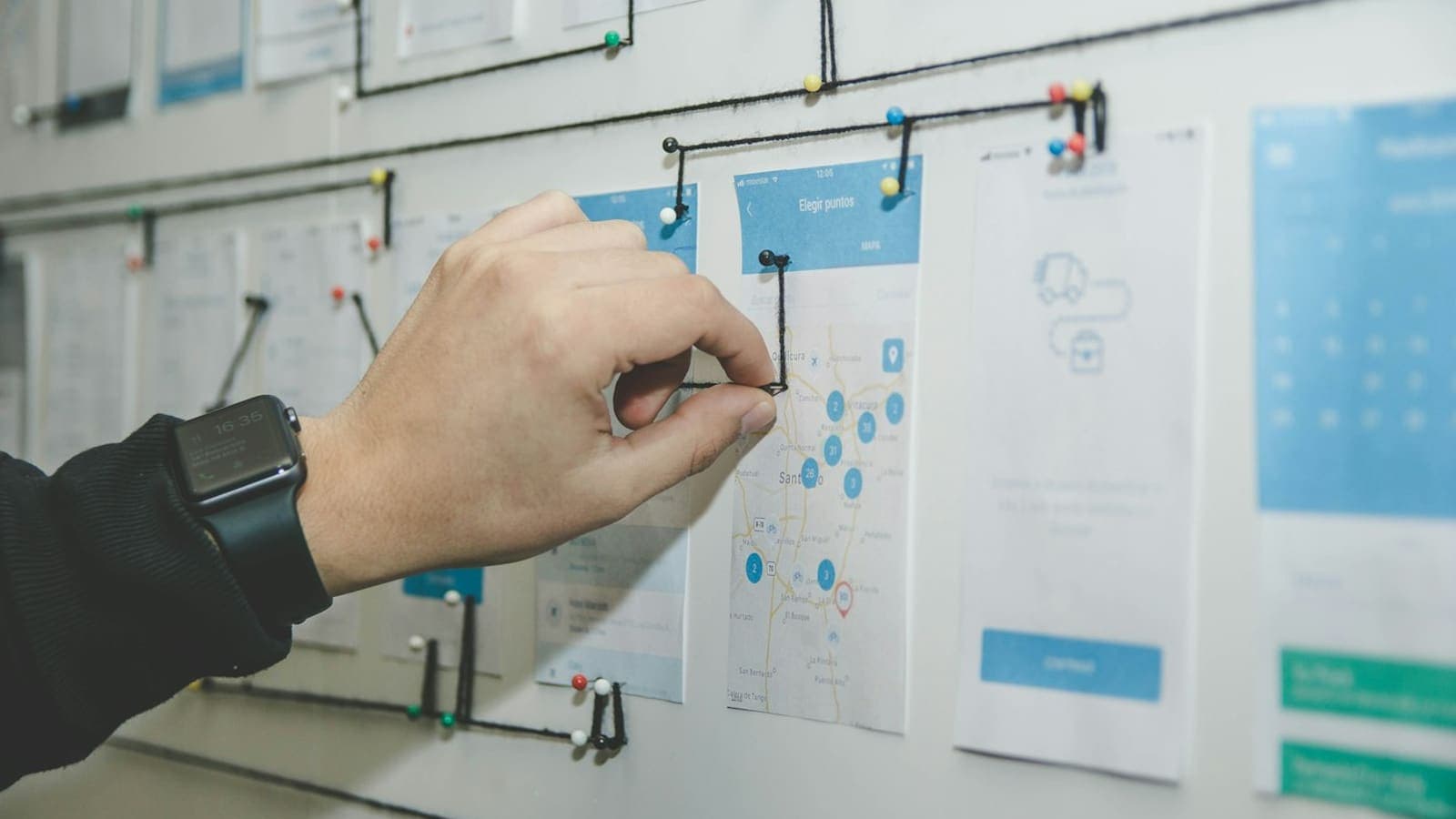
A hand adjusting black thread between paper mobile app screens pinned to a wall, mapping how each screen leads to the next
A developer reads the brief, lists the pages and features it implies, and then asks about whatever is unclear. From that list they estimate effort for each item and add time for design, testing, content handling, deployment and a round or two of revisions. The result is a quote plus a scope list: the written set of things that are included. The scope list is as valuable as the number. It tells you what you are paying for, and it makes later additions visible. A request that is not on the list becomes a change you can discuss, price and schedule on purpose, instead of a surprise in the final invoice. This is also why a quote depends so heavily on the brief. The same bakery site with a simple order email is a smaller job than one with accounts, saved addresses and delivery zones. To see what moves the price of a project in Pakistan, read website development cost in Pakistan. The first is writing about the design before the goal. "Modern and clean" does not tell a developer what the page must achieve, so start with the visitor's task. Another is leaving out the budget. A developer cannot choose between a lean version and a fuller one without knowing the range. If you prefer not to state a number, ask for options at different sizes so you can see what each costs. Other mistakes to avoid:
  • Assuming content will appear on its own. Text and photos are often the slowest part of a project, so name who provides them and by when.
  • Listing features without priorities. Mark what is needed for launch and what can wait.
  • Skipping the approvals line. If a partner or relative will review everything at the end, say so now.
  • Treating the brief as fixed. It is a starting document, and changes are fine when both sides write them down.
  • Forgetting what happens after launch, such as updates, backups and who fixes problems. The website launch checklist shows the checks that belong at the end of any project.

If you are weighing whom to send the brief to, how to hire a full stack developer in Pakistan goes through what to look for and what to ask. I am Fawaz Israr, a full stack developer in Rahim Yar Khan, Pakistan. I am a final-year Computer Science student at KFUEIT and I work in web development at Hadi Dev Lab. You can send your filled-in brief on WhatsApp or by email, and I can go through it with you. You can read more about me or look at my work, including the Cool Ice-cream website for a creamery and cafe in Sadiqabad. Cover photo from Unsplash.
Share this post: